
ArcGIS Online Courses
Customizing ArcGIS Dashboards: From Default Settings to Arcade Expressions
8 GISP Credit Hours
This course is designed for beginner to intermediate ArcGIS Online users who want to build, configure, and customize dashboards. Students should be comfortable working in the ArcGIS Online environment. No prior experience with ArcGIS Dashboards or Arcade is required, and no scripting background is needed. Arcade is introduced and applied through practical, ready-to-use examples. This course is not intended for advanced dashboard developers.
This course covers ArcGIS Online only; it does not cover ArcGIS Enterprise.
Hardware
Students need to have their own computer hardware.
Software and Licensing
Students need to have the following software and ArcGIS Online access:
- An ArcGIS Online Creator user type or higher (Creator, Professional, or Professional Plus).
- A role of User or higher assigned to that user type, or a custom role that includes the privilege to create, update, and delete content. A Creator user type assigned the Viewer or Data Editor role cannot create content and will not be able to complete the course exercises.
- Their organization’s ArcGIS Online URL and a valid login, available at the start of class.
- A current version of Chrome, Edge, Firefox, or Safari with WebGL enabled.
- Module 1: Introduction to ArcGIS Dashboards
- Module 2: Navigating ArcGIS Dashboards: Action Bar, Layout, and Views
- Module 3: Integrating Maps and Configuring Data-Driven Elements
- Module 4: Adding Interactivity with Selectors and Actions
- Module 5: Introduction to Arcade in Dashboards
- Module 6: Customizing Indicators, Lists, and Tables with Advanced Formatting
- Module 7: Building Data Expressions
- Module 8: Dashboard Design, Mobile Views, and Sharing
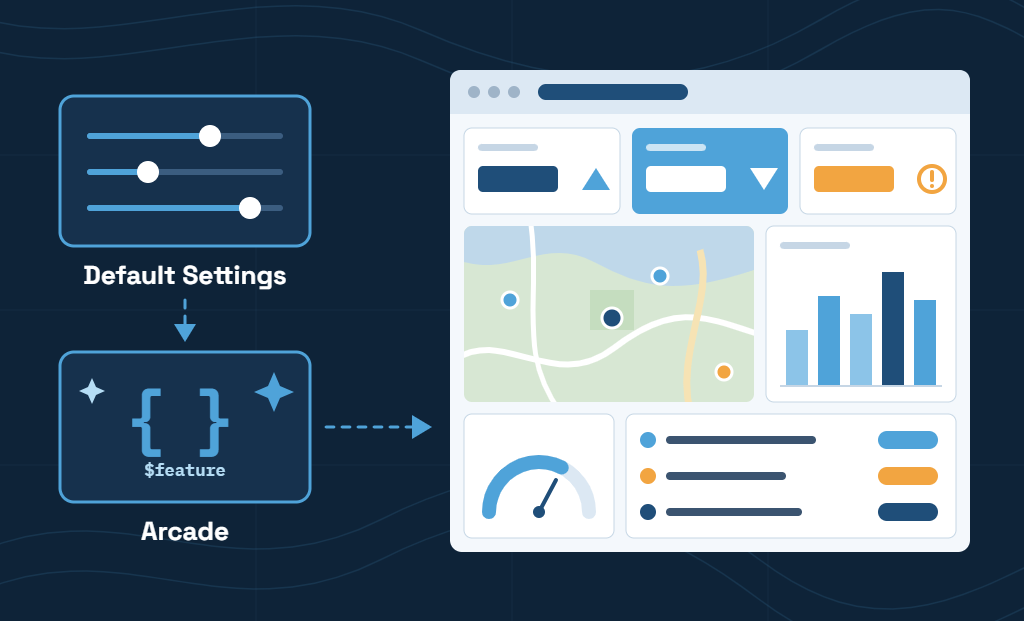
This full-day course covers how to build a fully customized, interactive dashboard in ArcGIS Online. You begin with how dashboards are structured and how to work within ArcGIS Dashboards. From there, you integrate maps and then configure indicators, charts, gauges, lists, tables, and rich text, and connect them with selectors and actions so users can filter and explore the data.
The second half of the course introduces how to customize your dashboards using ArcGIS Arcade. You use advanced formatting to control how indicators, lists, and tables display information, and data expressions to combine, summarize, and reshape data beyond what a layer provides on its own. The course finishes with themes, splash screens, mobile views, and sharing.
Course exercises give you hands-on experience building a complete dashboard step by step, from adding your first elements to applying Arcade expressions that change colors, icons, and text based on your data. You will leave with a working dashboard and a set of Arcade expressions you can adapt for your own organization’s dashboards.
Coming Soon!
Coming Soon!
Coming Soon!
Don’t want to purchase online? You can also register for classes using our registration form.
This course made it less intimidating to switch from ArcMap to ArcGIS Pro. So glad I attended.
Student, Idaho State Tax Commission
Knowledgeable instructor, well paced class, applicable information covered, hands-on style.
Brandon Clark, Alabama Power
I strongly and highly recommend it
Matt Gubitosa, U.S. EPA
I really enjoyed the Python/ArcGIS course. For me the right balance between detail and overview. Good work!
Pal Herman Sund
I thought the course was very organized. The style of presentation and the lesson format worked well together. It made the information easy to understand. -
Kyle Lockhart, Escambia County, FL
Class was well organized, well paced and I learned a lot.
Aleeta Zeller, Chattanooga RPA
Definitely got me "over the hump" of being able to grasp Python.
Joseph Monti
These courses are great. I am so pressed for time this is the only way I can acquire extra skills these days. Thank you Eric for all your hard work!
Chris Hickin, NYC Fire Dept.
I have attended a number of instructor-led training courses offered by ESRI, which are great in their own right, but the Mastering the ArcGIS Server JavaScript API course gets much more in-depth than they often do. I really liked the recommended reading, they helped expand the terms being covered in lecture to concrete examples that could be related back to my work more directly instead of just having the lecture and exercises alone. I learned a lot andwill recommend this and other GeoSpatial Training courses to the GIS'ers I know. Thanks for putting this course together and offering it.
Jason Warzinik, Boone County, MO
Really good course material. Very relevant subject matter.
Michael Philp, City of Springville, UT
Very informative and knowledgeable course. It help determine which direction I should take my further GIS and web programming skills.
Chris Pollard, Delaware Valley Regional Planning Commission